An iPhone bookmark app for tossing in
the pages you want to keep.
Later, you dig them back out with tags and notes.
No account iCloud sync Tags and notes
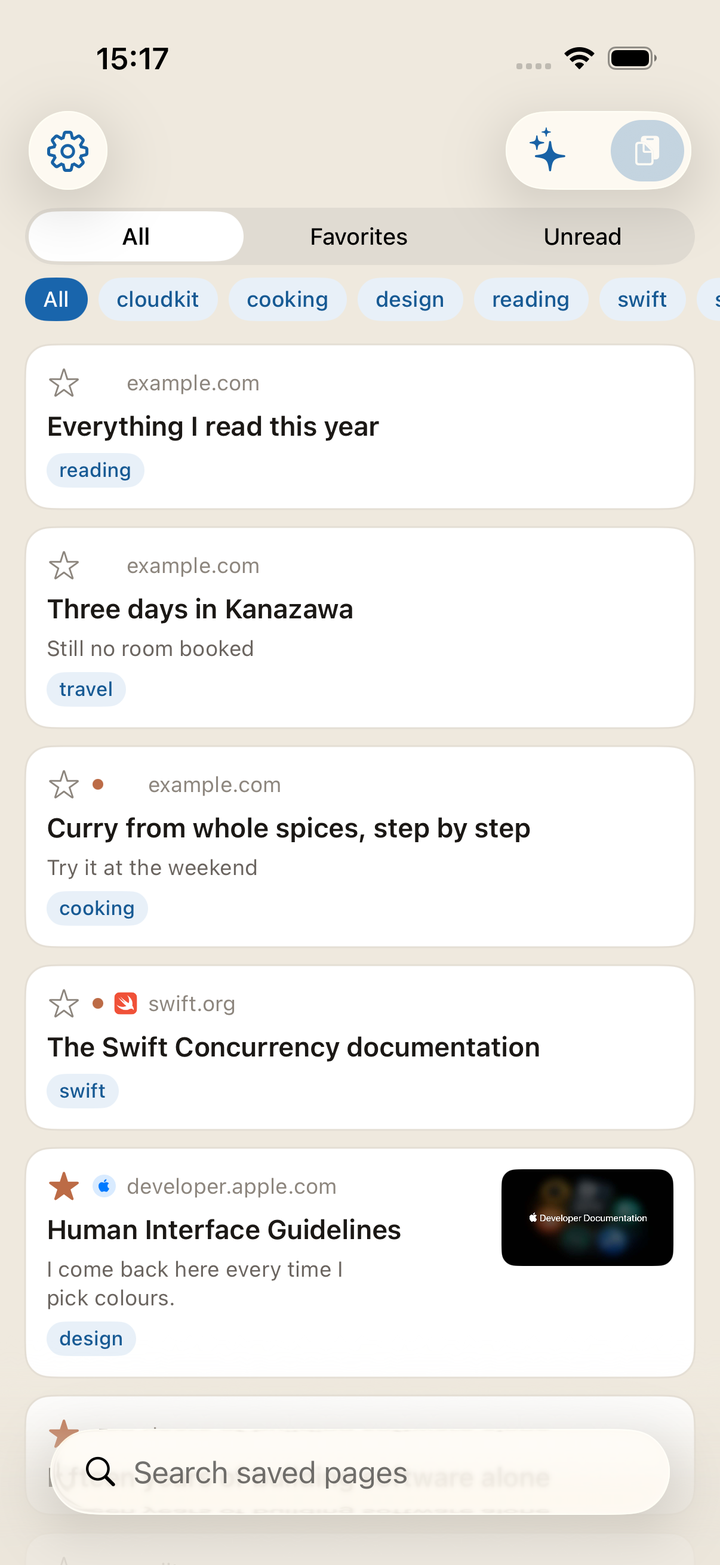
The moment you send a page from the share sheet, it is already saved. The title and the image are fetched afterwards, by the app. Saving does not fail just because you are somewhere with bad reception.
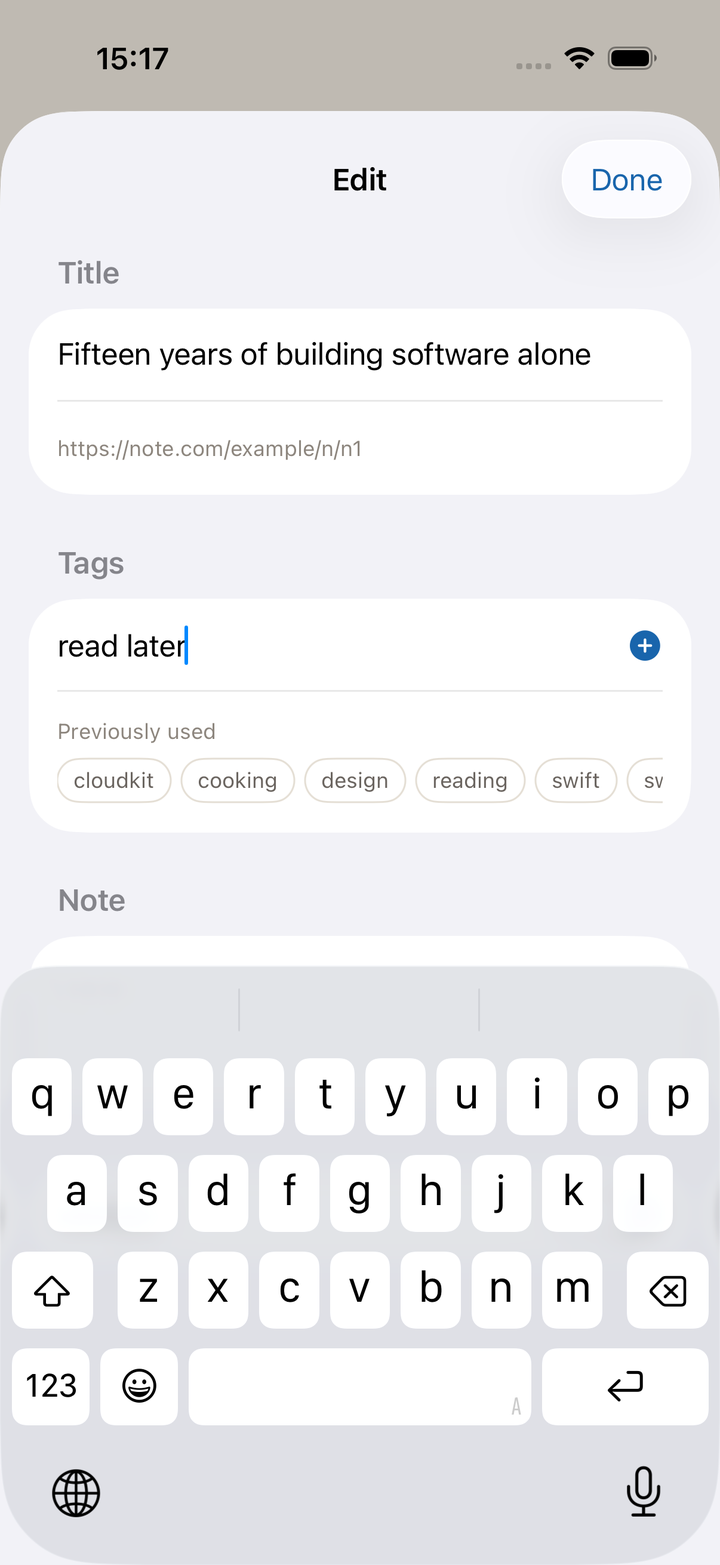
Search titles, URLs, tags, notes, and the page text all at once. Narrow by tag; separate by Unread and Favorites.
Tags and notes are the handholds you leave for yourself. Add as many tags as you like — the ones you have used before come up as suggestions.
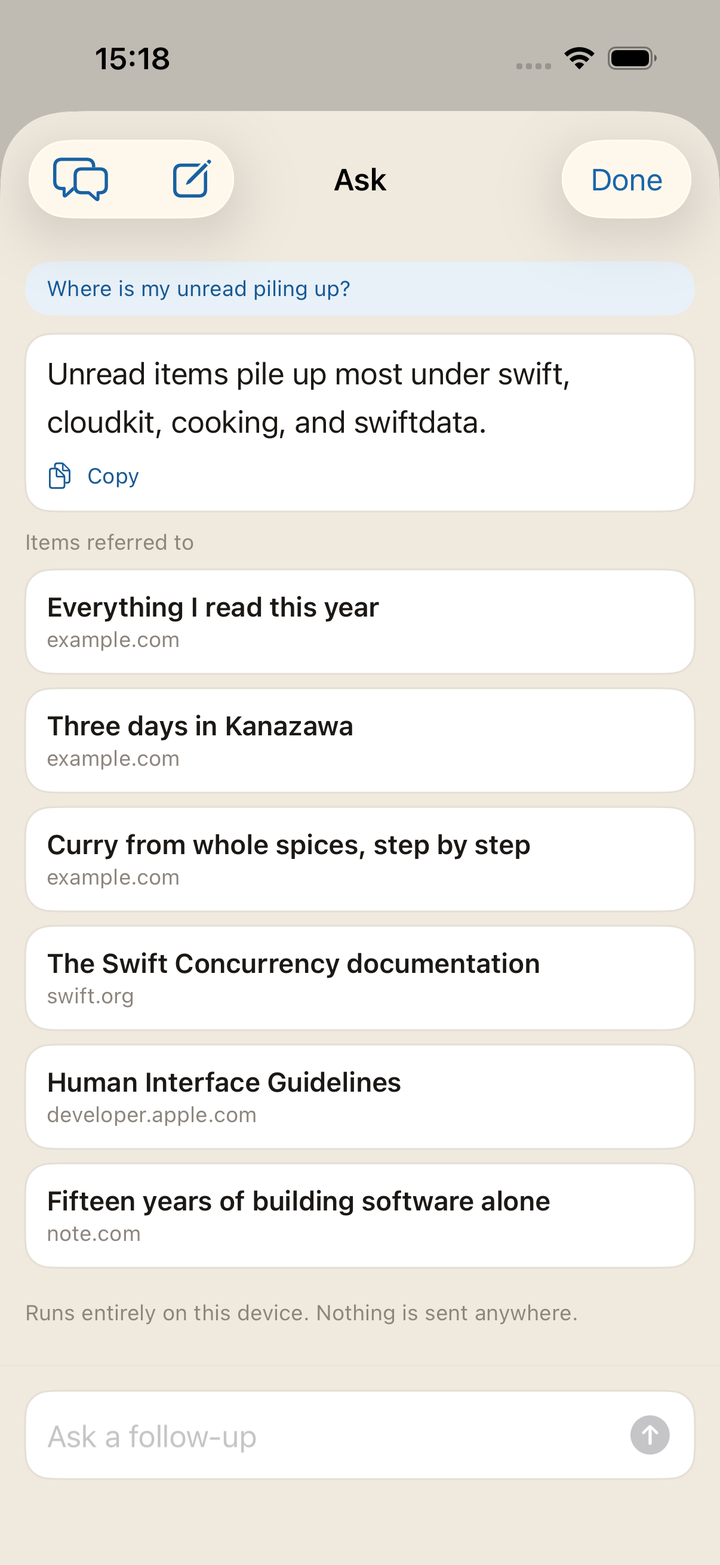
Ask, in plain words, about what you have collected and how the app works. The items behind the answer are listed underneath, so you can open them straight away.
Press and hold a single article and choose Summary, and it is summarized from that page's text alone — so you can decide whether to read it now.
It runs entirely on your device. Nothing is sent anywhere. Available only on devices that support Apple Intelligence.
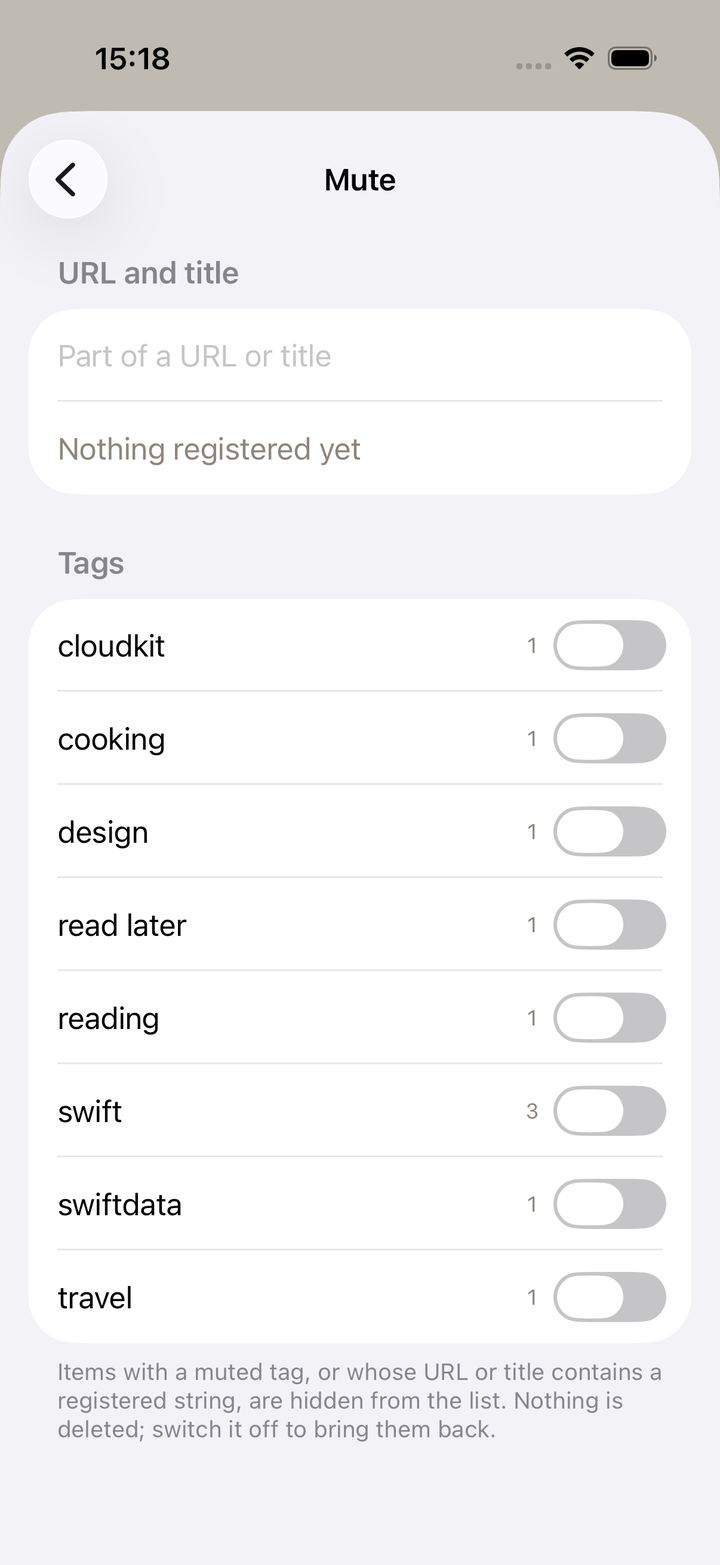
Anything you would rather not see can be hidden by registering a string from its URL or title. Switching it off is not the same as deleting it.
Whole tags can be hidden too. Either way the rule stays, and you can turn it on and off.
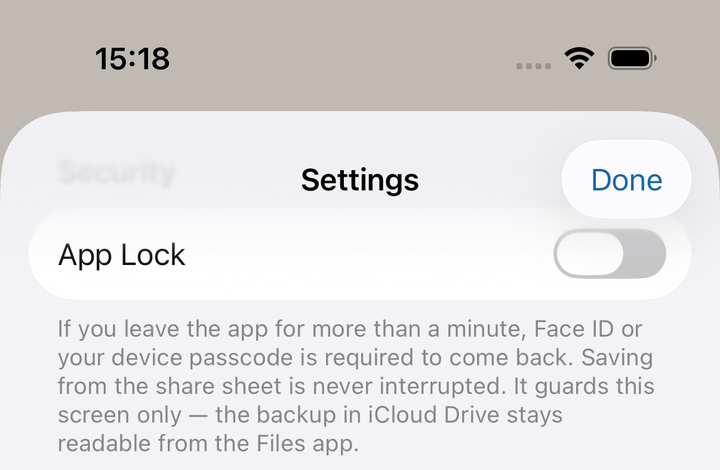
A saved URL is your browsing history, plainly. It is never sent to the developer's server — or rather, there is no server. Syncing is left to Apple's iCloud.
You can hide it at hand, too. Turn on App Lock and opening the app asks for Face ID / Touch ID, or your device passcode. It is off by default.
The details are in the privacy policy.
It shows up on devices signed in to the same Apple Account. There is no sign-up step.
Once a week, everything is written to a JSON file in iCloud Drive. The copy survives deleting the app.
A widget shows how many are unread. While App Lock is on, it shows the count and nothing else.
Saving and searching can be called from Shortcuts, and built into automations.
There is a full list of features as well.
Save, find, open, tidy up, hide, keep a copy. The whole set of gestures is collected on the guide page.
It is named after the Eurasian jay — kakesu in Japanese. The bird hides acorns one at a time in separate places, remembers what it hid, where, and when, and digs them up later. That is exactly what this app is for, so the bird kept its name.
Bug reports and requests go through the contact page.